
Satsport App Download for Android APK & iOS in India
The Satsport app gives Indian players convenient mobile access to sports betting, the betting exchange, casino games, live dealers, and promotions. Android and iOS users can manage one account across smartphones, tablets, and desktop devices without losing their balance, open bets, bonuses, or transaction history.
We operate under Curaçao gambling licence number 149875 and provide our mobile services exclusively to players aged 18 and over. Access to real-money betting is governed by the laws of each Indian state, so players must use the application only in jurisdictions where online participation is permitted. This article explains the complete Satsport app download for Android and iOS, including installation, system requirements, updates, account access, and mobile features.

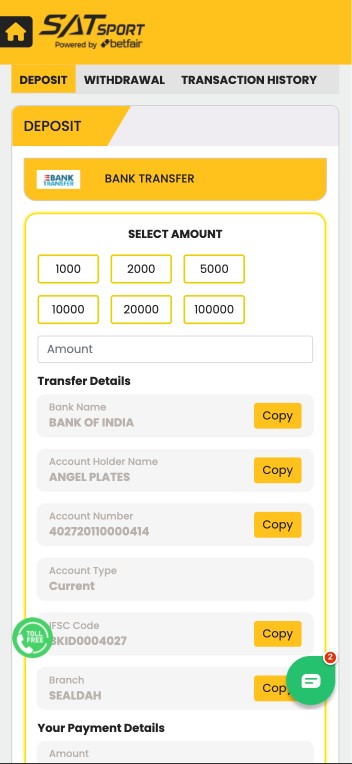
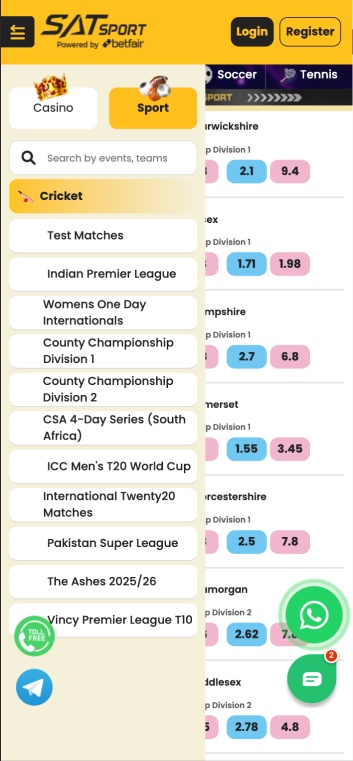
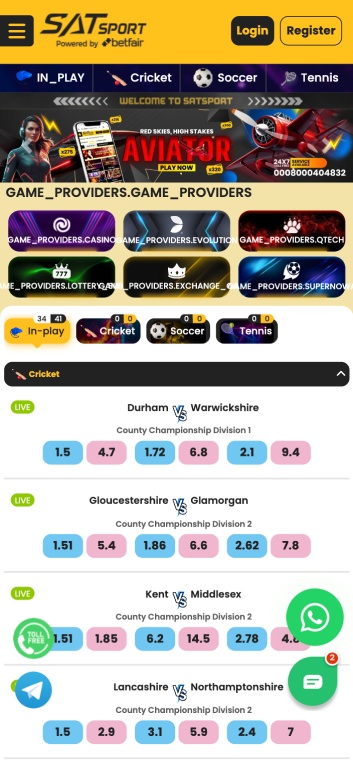
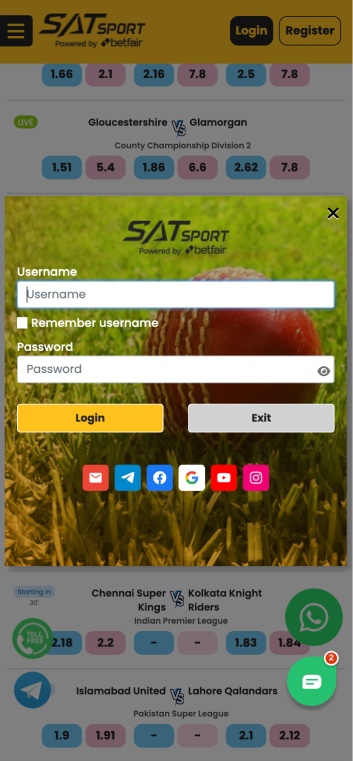
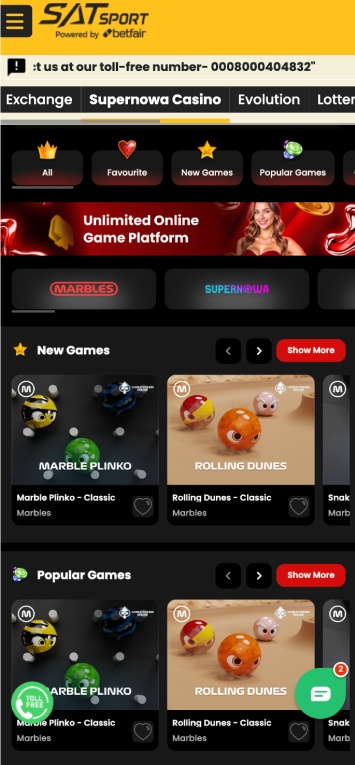
Visual Overview & Interface of Satsport App
Below are screenshots showcasing the clean, intuitive interface that enhances every step of the betting experience.

Core Functionality and Top Features of the Application
Our mobile software combines the main Satsport services in one account. Players can follow live events, place sportsbook and exchange bets, open casino games, claim promotions, and manage payments without switching between separate platforms. Key features of the Satsport app include:
- Pre-match sportsbook: Browse cricket, football, tennis, esports, horse racing, greyhound racing, and virtual sports before an event begins.
- Live betting: Follow matches in progress and place wagers using continuously updated odds.
- Live match information: Track scores, match status, statistics, and key developments from the event page.
- High-quality streams: Watch supported events through clear mobile video streams while reviewing related betting markets.
- Casino catalogue: Launch slots, blackjack, baccarat, roulette, Teen Patti, Andar Bahar, and instant games.
- Live dealer tables: Join streamed casino sessions with real dealers and real-time betting rounds.
- Push notifications: Receive alerts about settled bets, match starts, promotional campaigns, security activity, and transaction updates.
- Mobile cashier: Deposit INR, request withdrawals, review payment status, and open transaction history.
- Responsible-gaming controls: Set personal deposit limits, manage top-ups, and keep gaming within an affordable entertainment budget.
Exclusive Mobile Welcome Offers and Promotions

New players can claim a 100% first-deposit bonus of up to ₹10,000 through the Satsport app. The qualifying deposit starts at ₹500, and a 3x wagering requirement applies before the related bonus winnings become available for withdrawal. Complete registration and contact verification before making the qualifying payment. The welcome reward follows a simple activation process:
- Create a Satsport account. Register through the Android or iOS application.
- Verify your contact information. Confirm your Indian mobile number through OTP and verify your email address.
- Open the mobile cashier. Select an eligible payment option.
- Activate the welcome promotion. Choose the bonus before confirming the payment.
- Deposit at least ₹500. The bonus matches 100% of the qualifying amount up to ₹10,000.
- Complete the wagering requirement. Wager the bonus three times under the applicable sportsbook or casino conditions.
Pros and Cons of Using the Satsport Mobile Software
Deciding whether Satsport’s mobile platform suits your betting needs involves weighing its features against potential drawbacks. Here’s a quick look at the pros and cons to help you make an informed choice:
| Pros | Cons |
|---|---|
| Sportsbook, exchange, casino, cashier, and support in one app | Android users must use the Satsport app download apk latest version option and install each new release manually. |
| Android and iOS support | Live streaming and graphics-heavy casino games consume significant mobile data and battery power. |
| Real-time odds and live match information | Detailed betting markets and large odds tables are easier to navigate on a desktop screen. |
| High-quality sports streams | |
| Push notifications for bets, payments, and promotions | |
| INR deposits and withdrawals | |
| Google Pay, Paytm, Visa, Mastercard, and bank payments | |
| SSL-encrypted account and payment connections | |
| Same login credentials across mobile and desktop | |
| 24/7 access to customer support |
Step-by-Step Guide to Download & Install Satsport APK on Android
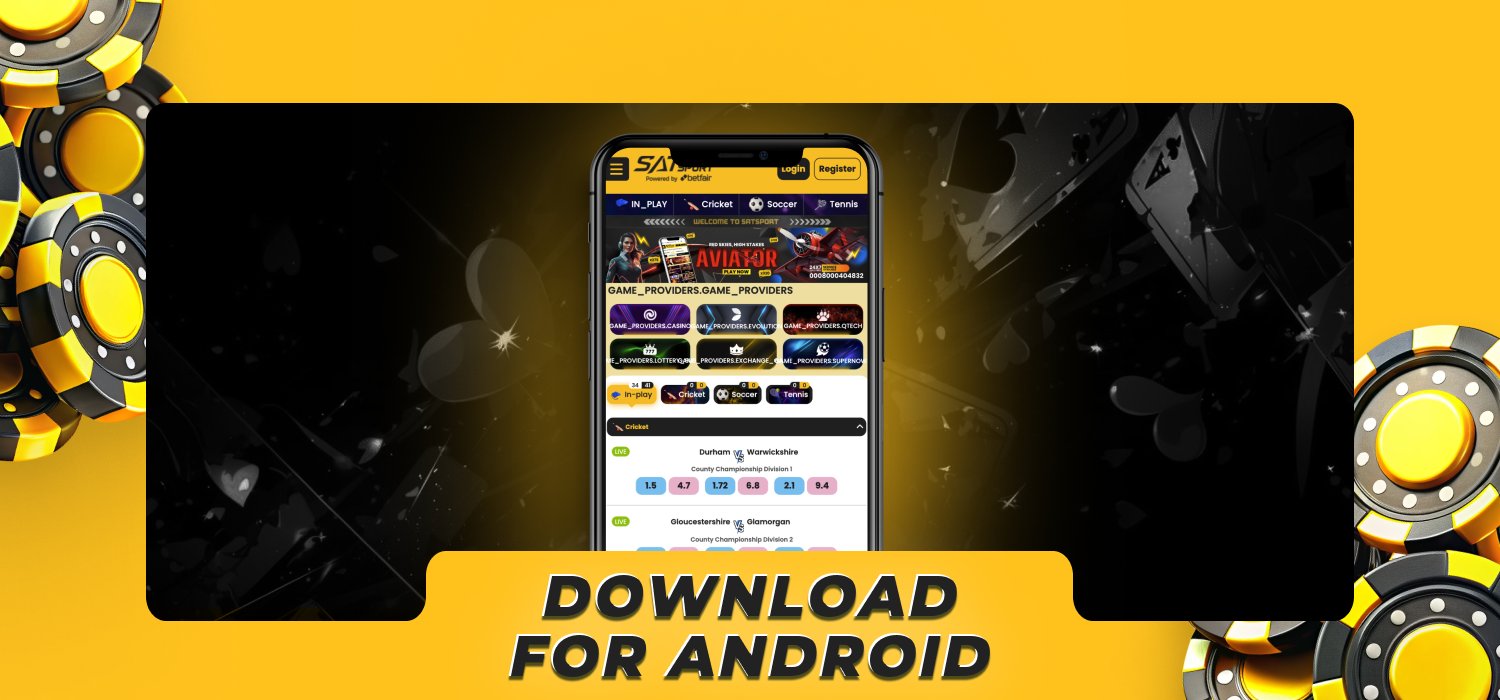
The Android version is distributed as an APK file. Downloading the package directly through the Satsport app download APK area ensures that the installation file is connected to our current release. Android blocks external APK installation by default. Enable permission only for the browser used to download the file, then disable it after installation.
- Open the Satsport mobile page. Use Chrome or another supported Android browser.
- Select Android Download. Tap the APK button to start the download.
- Open the downloaded file. Find it in the browser download panel or the device’s Downloads folder.
- Allow installation from this source. Open Android settings when prompted and grant temporary APK installation permission to the browser.
- Return to the installer. Return to the Satsport APK download process and select the file again to continue the installation.
- Tap Install. Wait for Android to complete the application setup.
- Open Satsport. Find the Satsport app on your home screen and tap to open it.
- Sign in or register. Use existing credentials or create a new account.
- Disable the installation permission. Return to security settings and remove the browser’s permission to install unknown applications.
Minimum System Specifications for Android Devices
The application is designed for modern Android smartphones and tablets. Meeting the following baseline provides stable navigation, live odds updates, casino gameplay, and payment access:
| Specification | Android requirement |
|---|---|
| Operating system | Android 5.0 or later |
| Processor | 1.2 GHz or faster |
| Minimum RAM | 1 GB |
| Application size | 30 MB |
| Internet connection | Stable Wi-Fi, 4G, or 5G |
| Installation format | APK |
| Supported devices | Android smartphones and tablets |
How to Install Satsport Application on Apple iOS
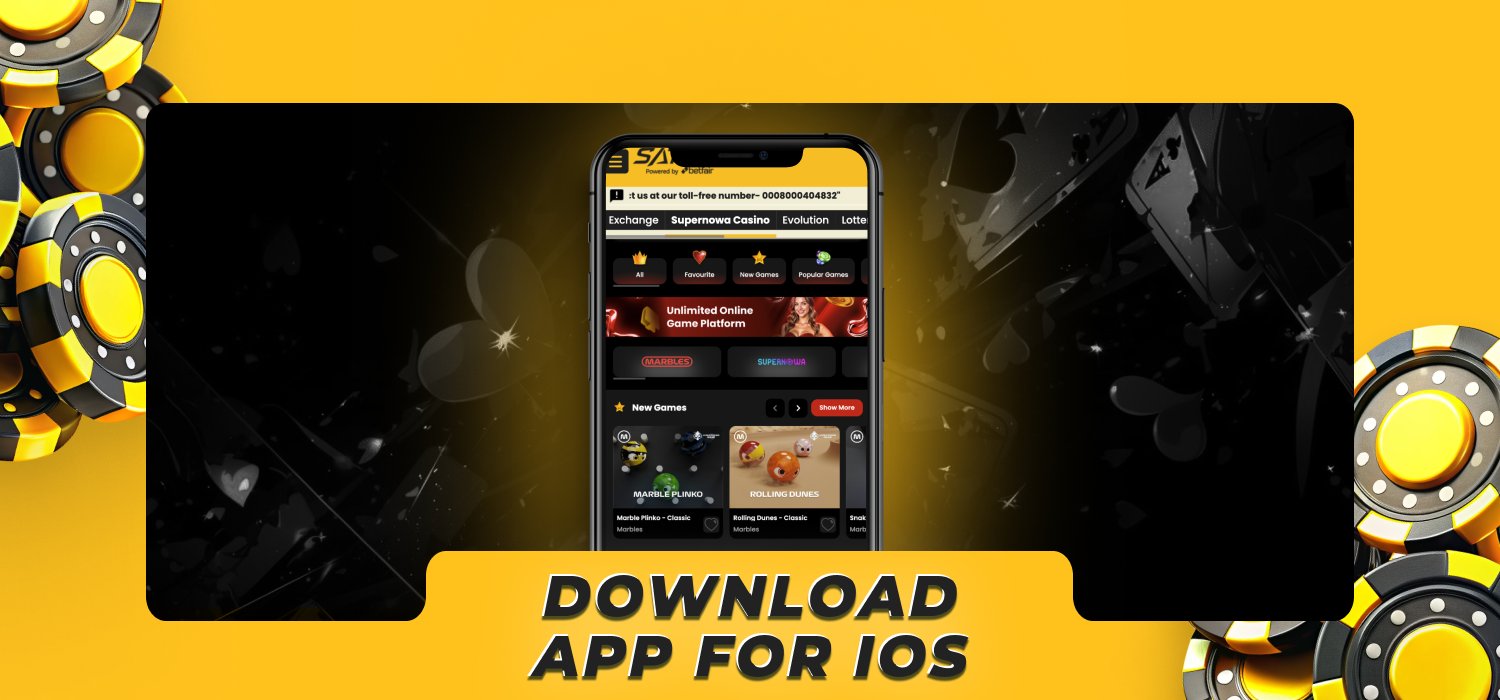
iPhone and iPad users can complete the installation through the Satsport mobile download section. Follow these steps to set up the application:
- Open Safari. Visit the Satsport download area on your iPhone or iPad.
- Select the iOS option. Tap the Apple download button.
- Confirm the installation. Follow the Apple installation prompt displayed on the device.
- Wait for the app icon. Keep the device connected until the installation has finished.
- Open Satsport. Launch the application from the home screen.
- Enter your credentials. Log in using your existing username and password.
- Enable selected notifications. Choose whether to receive alerts for bets, promotions, payments, and security activity.
Safari also supports a quick home-screen shortcut. This option opens the responsive Satsport mobile platform without installing a separate package.
To create the shortcut, open Satsport in Safari, tap the Share icon, select Add to Home Screen, confirm the displayed name, and tap Add. The new icon launches Satsport in a dedicated mobile window.
Apple Hardware and iOS System Compatibility
Satsport supports iPhones and iPads running a currently supported version of iOS. Apple users can create a home-screen shortcut through Safari for quick access to sports betting, casino games, transactions, promotions, and account settings.
| Specification | Apple requirement |
|---|---|
| Operating system | A currently supported version of iOS |
| Processor | 1.2 GHz or faster |
| Minimum RAM | 1 GB |
| Free storage | At least 100 MB |
| Internet connection | Stable Wi-Fi, 4G, or 5G |
| Supported devices | iPhone and iPad |
| Browser | Safari |
Keep sufficient storage available for browser data and system updates. Closing unused background applications also improves live streaming and graphics-intensive casino sessions.
Account Creation & Verification in the Satsport App
Getting started with the Satsport app is quick and straightforward, ensuring you can access your favourite sports and casino games in no time. Follow these steps to create and verify your account seamlessly:
- Open the registration form. Launch the app and tap Register.
- Create a username. Choose a unique account name.
- Enter your email address. Use a personal email you have access to.
- Add your Indian mobile number. Enter your personal mobile number.
- Create a strong password. Use a mix of uppercase and lowercase letters, numbers, and special characters.
- Confirm your password. Re-enter the same combination.
- Accept the terms. Review the account conditions and confirm you are at least 18 years old.
- Submit the form. Complete registration and enter the OTP sent to your mobile number.
- Access your account. Start exploring sports, casino games, promotions, and payment tools.
Verifying the phone number and email address confirms that the player has full access to the contact details linked to their account. The mobile number and email address provided during registration must be valid and accessible. Both will be used to deliver OTPs, security alerts, and important account notifications.
Logging In and Accessing Your Personal Account
The same Satsport online betting login credentials work on Android, iOS, mobile browsers, and desktop computers. To sign in, open the app, select Login, enter your username, email address, or mobile number, and add the password created during registration.
Select Forgot Password when credentials are lost. Choose email or phone recovery, enter the received verification code, and create a new password. Repeated incorrect login attempts trigger an account lock, so use password recovery instead of continuing to enter uncertain credentials.
Guide to Placing Bets and Playing Casino Games on Mobile
The Satsport live apk provides access to pre-match betting, live sports markets, slots, table games, and live dealer sessions. To start betting or playing casino games, follow the steps below:
- Open the Satsport app. Log in and ensure your account has sufficient funds.
- Choose a section. Select Sports or Live for sports betting, or Casino for slots, table games, and live dealer titles.
- Select an event or game. Pick a sports competition and match, or browse casino categories and open a game.
- Review the available options. Check betting markets and odds for sports, or read the rules, features, and stake range for your chosen casino game.
- Make your selection. Tap your preferred sports outcome to add it to the bet slip, or launch the casino game and choose a stake.
- Enter the amount. Set your sports bet stake or select a wager for the next casino round.
- Confirm the action. Tap Place Bet for a sports wager, or use the game controls to spin, deal, or join a live round.
- Track your activity. Open My Bets to review sports wagers, or check your account history for completed casino transactions and balance changes.
Keeping Your Satsport App Updated to the Latest Version
Updates deliver security improvements, compatibility changes, performance refinements, and new account tools. Complete the Satsport app download latest version process before placing bets or making payments to maintain access to current services.
Updating the iOS Version
Apple devices handle updates through the same installation channel used for the original iOS setup. The update retains the registered account, balance, open bets, favourites, and transaction history.
When an update notice appears, close any active casino session, select Update, and follow the Apple confirmation prompt. Reopen the application after installation and sign in again when requested.
The Safari home-screen shortcut does not require a downloaded software update. It opens the current mobile platform automatically, although Safari and iOS should remain updated through the device settings.
Updating the Android APK File
Android APK releases require the latest installation file. The new package installs over the existing version without creating a second Satsport account. Use the following process to update Android:
- Open the Satsport download section in your browser.
- Download the latest Satsport APK release.
- Open the file from the download panel.
- Grant temporary installation permission when Android requests it.
- Select Update instead of uninstalling the existing app.
- Wait for the installation to finish.
- Launch Satsport and confirm that the app opens correctly.
- Remove the browser’s APK installation permission.
Do not delete the existing app before completing the update unless the installer reports a damaged previous installation. Account information remains stored within the Satsport profile rather than only on the device.
How to Claim Promo Codes
Promo codes are entered during registration or before the qualifying deposit, ensuring that the reward is connected to the correct account. To activate a code, complete these steps:
- Install and launch the Satsport app.
- Select Register Now.
- Complete the required account information.
- Enter the code in the Promo Code field.
- Confirm registration and verify your mobile number.
- Open the Promotions section and check that the reward is active.
- Complete the qualifying deposit and wagering conditions.
Enter the code exactly as provided, including letters, numbers, and capitalisation. A promo code cannot be transferred to another account after registration.
Banking, Deposits, and Withdrawals via Mobile

The mobile cashier supports INR deposits and withdrawals through Indian banking services, wallets, cards, and selected crypto options. The minimum deposit is ₹500, and the minimum withdrawal is ₹1,000. The available methods and standard timeframes are summarised below:
| Payment method | Minimum deposit | Deposit time | Minimum withdrawal | Withdrawal time |
|---|---|---|---|---|
| Google Pay | ₹500 | Instant | ₹1,000 | Up to 24 hours |
| Paytm | ₹500 | Instant | ₹1,000 | Up to 24 hours |
| Visa | ₹500 | Instant to 15 minutes | ₹1,000 | 1–5 working days |
| Mastercard | ₹500 | Instant to 15 minutes | ₹1,000 | 1–5 working days |
| Net Banking | ₹500 | Up to 30 minutes | ₹1,000 | 1–5 working days |
| Bank transfer | ₹500 | Up to 1 working day | ₹1,000 | 1–5 working days |
Satsport does not charge a platform fee for deposits or withdrawals. Any charges applied separately by a bank, card issuer, or payment provider are independent of the Satsport transaction and are not controlled by the platform.
Removing the Application from Your Mobile Device
Uninstalling the app removes the local software but does not delete the Satsport account, balance, transaction history, or open bets. The same credentials restore account access after reinstallation.
Android users can remove the application through the following process:
- Press and hold the Satsport app icon.
- Select Uninstall.
- Confirm the removal.
Apple users can remove the iOS application in a similar way:
- Press and hold the Satsport icon.
- Select Remove App.
- Tap Delete App.
- Confirm the action.
Customer Care & Helpdesk Access in the App
Customer support is available 24/7 for installation, Satsport exchange login app assistance, payments, verification, promotions, betting, and casino questions. Players can choose the channel that best matches their request:
- Live chat: Get immediate help with technical issues, betting queries, and payment support whenever you need it.
- Email: Send documents, receipts, and detailed account requests to [email protected].
- WhatsApp assistance: Reach out for registration support and general account guidance at any time.
- Telegram: Contact the team with platform and transaction questions at your convenience.
Frequently Asked Questions
Is the Satsport app safe to install?

Yes, download it through the Satsport mobile section to receive the correct installation package.
How do I download the Satsport APK?
Open the Satsport download section on Android, select the APK option, open the downloaded file, and grant temporary installation permission.
Can I install Satsport on an iPhone?
Yes, install the iOS version through the mobile download section or add a Satsport shortcut to your home screen through Safari.
Can I use the same account on Android, iOS, and desktop?
Yes, the same Satsport agent login app credentials provide access to your balance, bets, promotions, and transaction history across all supported devices.
How do I update the Satsport app?
Android users download the latest APK and select Update during installation. iOS users follow the update prompt, while the Safari shortcut opens the current mobile version automatically.